
Nissan Juke Service and Repair Manual : Harness layout
LHD
LHD : How To Read Harness Layout
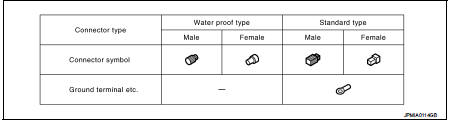
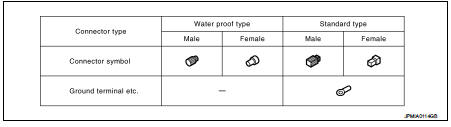
CONNECTOR SYMBOL
Main symbols of connector (in Harness Layout) are indicated in the below.
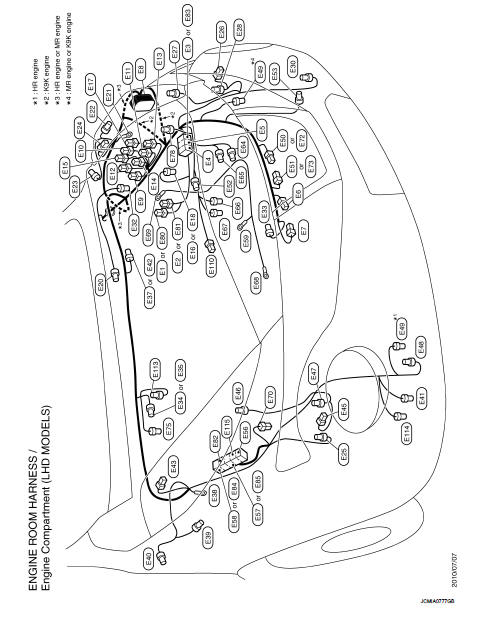
LHD : Engine Room Harness
ENGINE COMPARTMENT
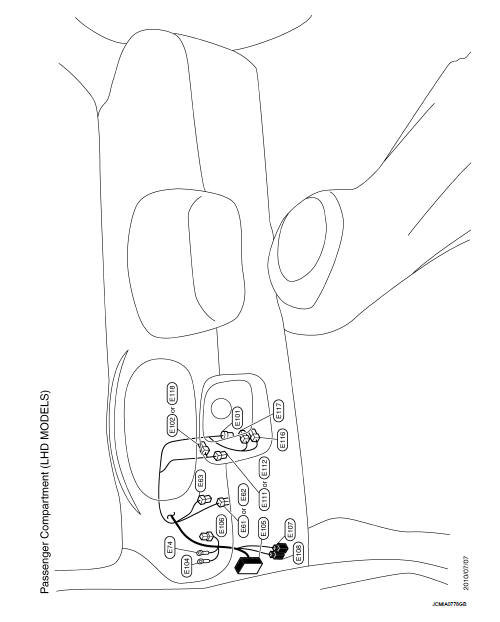
PASSENGER COMPARTMENT
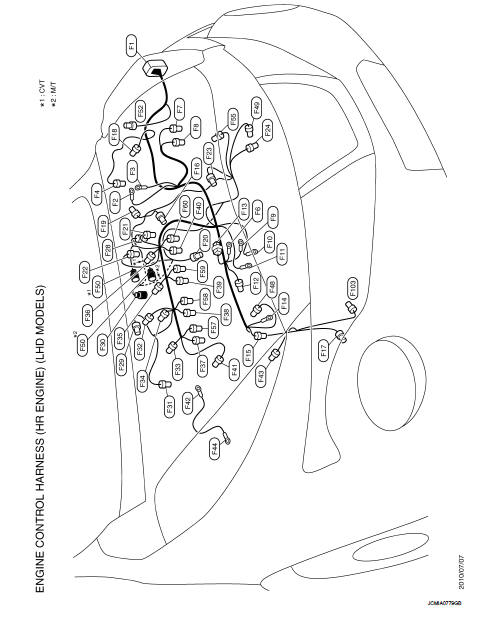
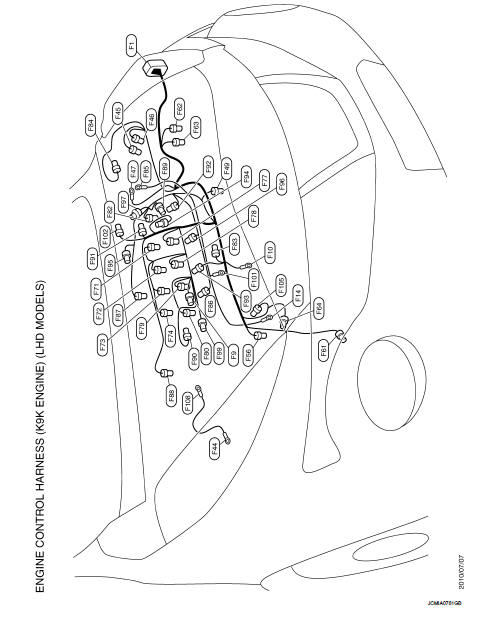
LHD : Engine Control Harness
HR ENGINE
MR ENGINE
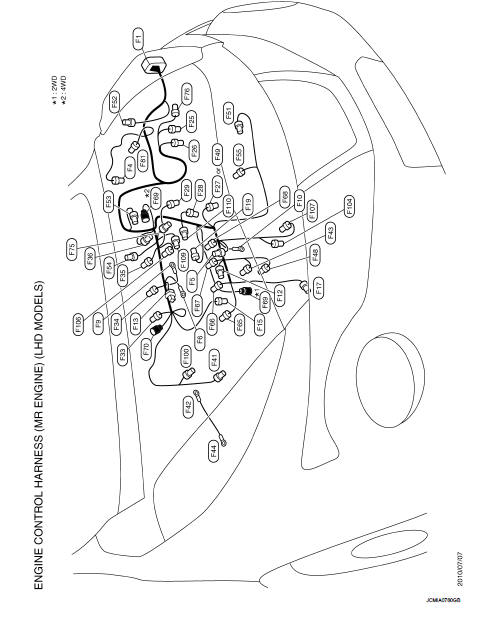
K9K ENGINE
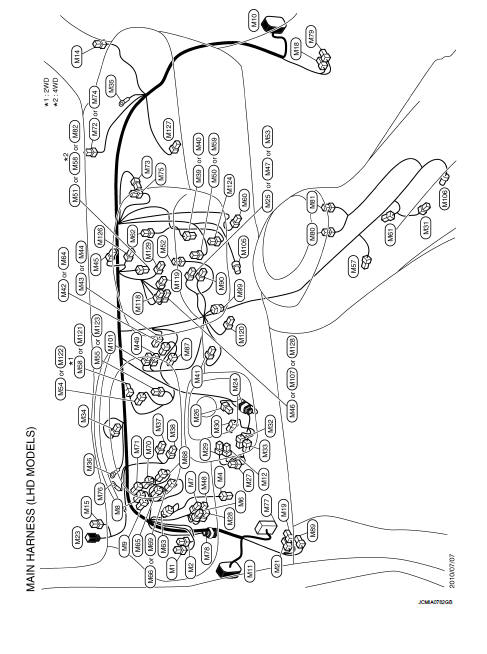
LHD : Main Harness
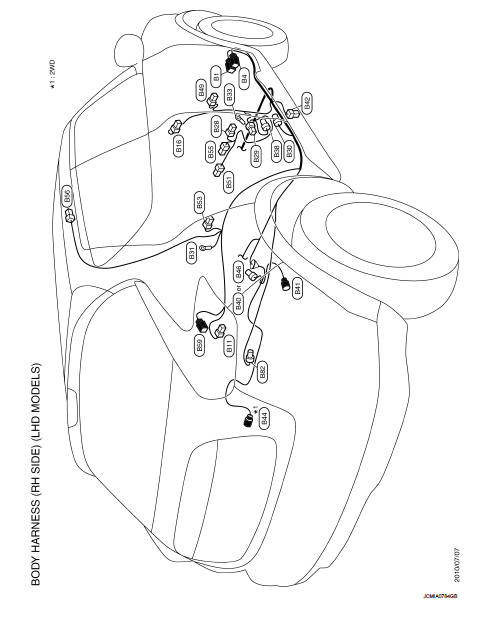
LHD : Body Harness
LH SIDE
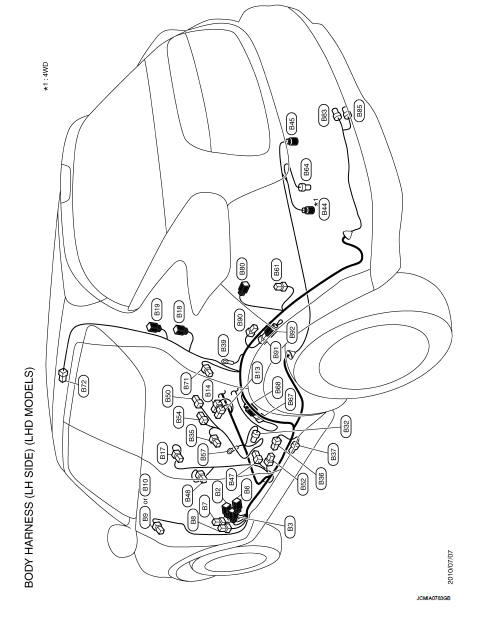
RH SIDE
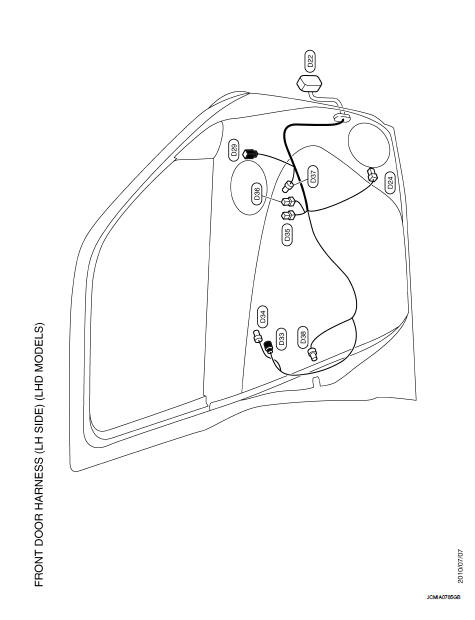
LHD : Door Harness
FRONT DOOR HARNESS (LH SIDE)
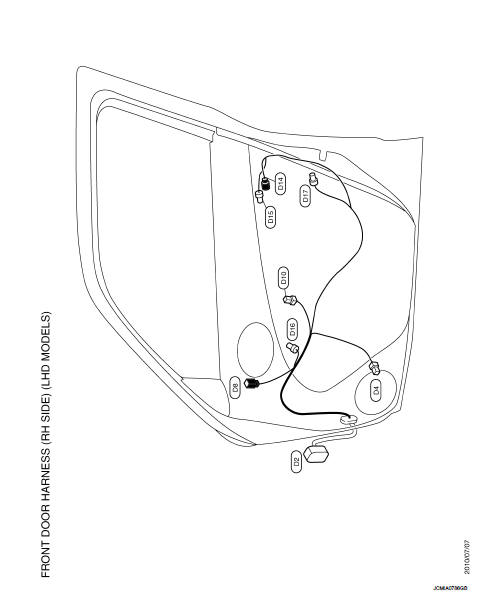
FRONT DOOR HARNESS (RH SIDE)
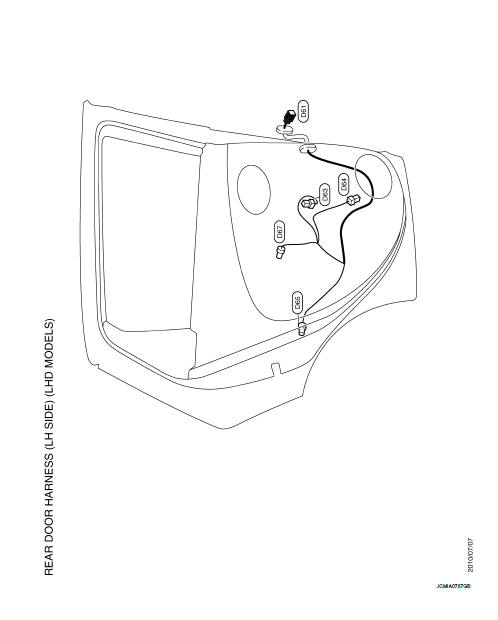
REAR DOOR HARNESS (LH SIDE)
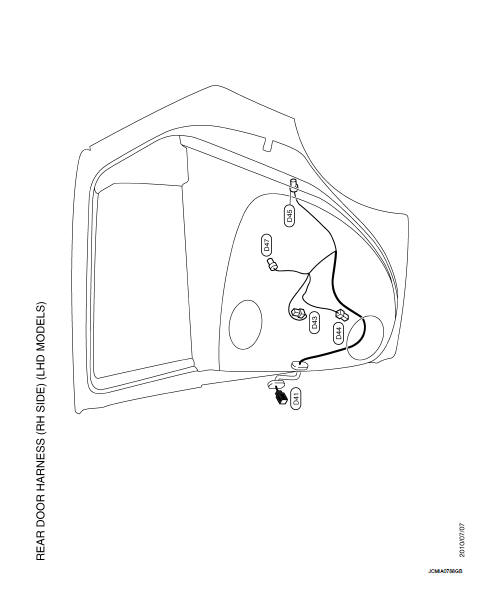
REAR DOOR HARNESS (RH SIDE)
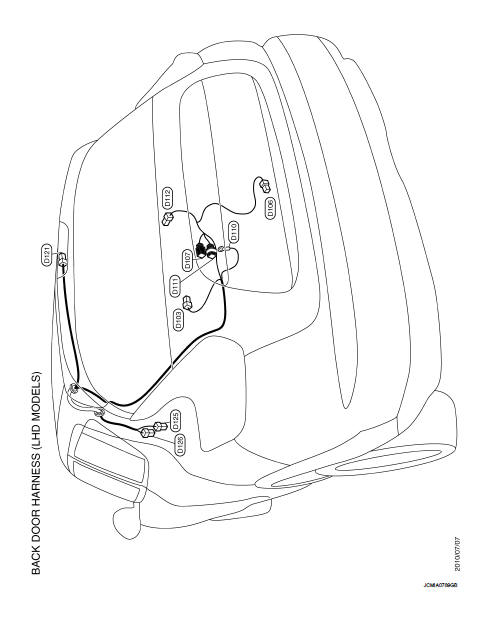
BACK DOOR HARNESS
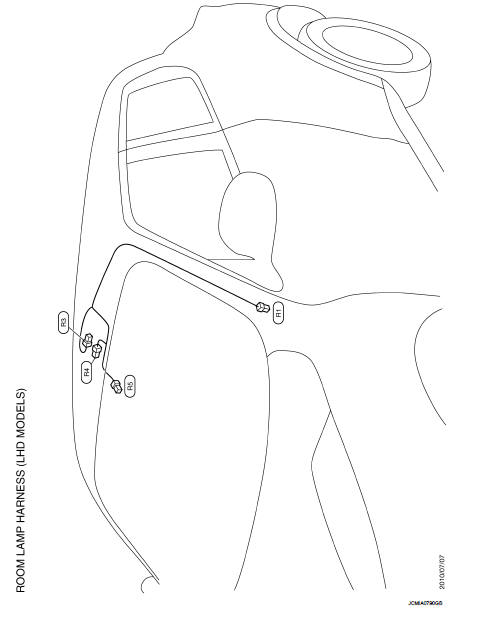
LHD : Room Lamp Harness
RHD
RHD : How To Read Harness Layout
CONNECTOR SYMBOL
Main symbols of connector (in Harness Layout) are indicated in the below.
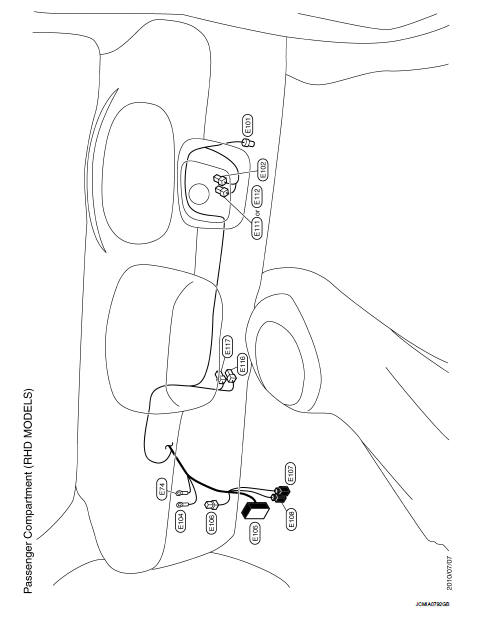
RHD : Engine Room Harness
ENGINE COMPARTMENT
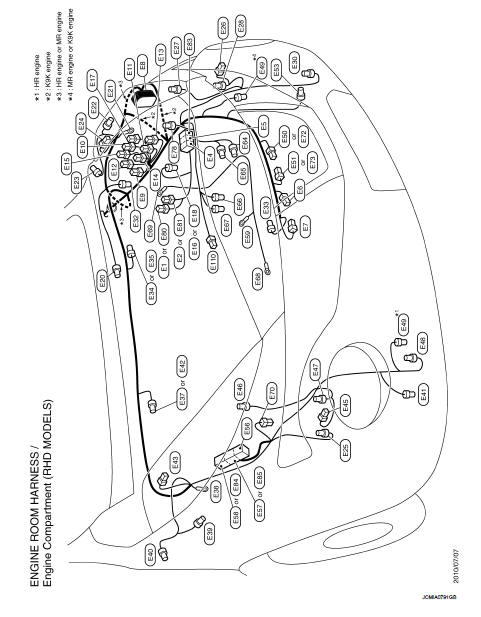
PASSENGER COMPARTMENT
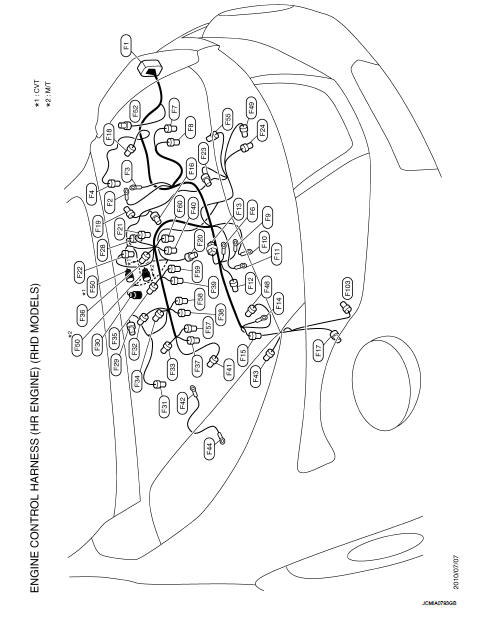
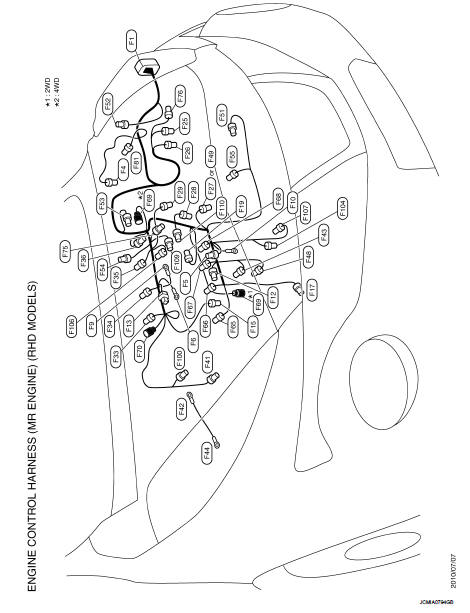
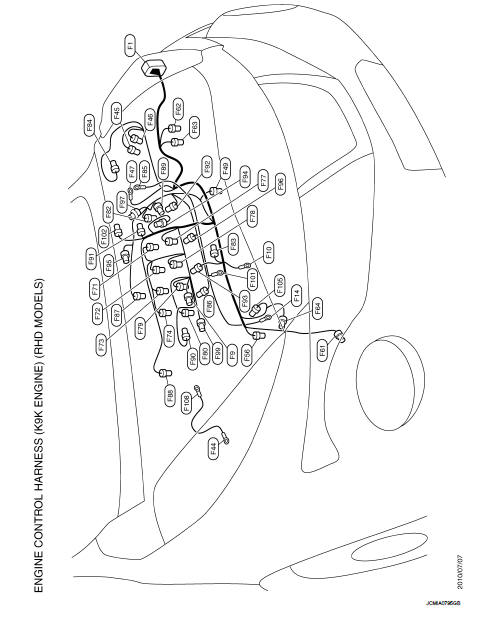
RHD : Engine Control Harness
HR ENGINE
MR ENGINE
K9K ENGINE
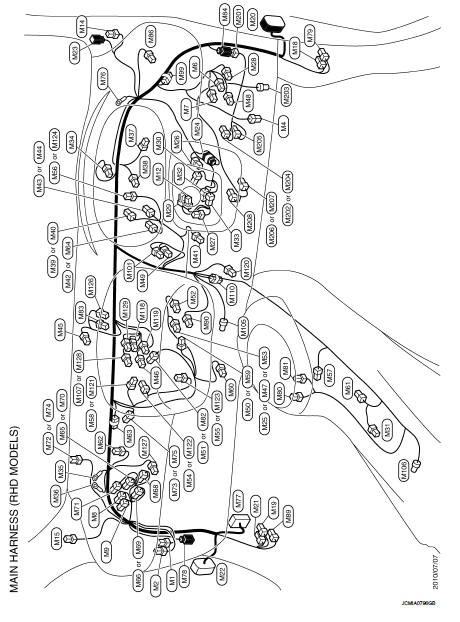
RHD : Main Harness
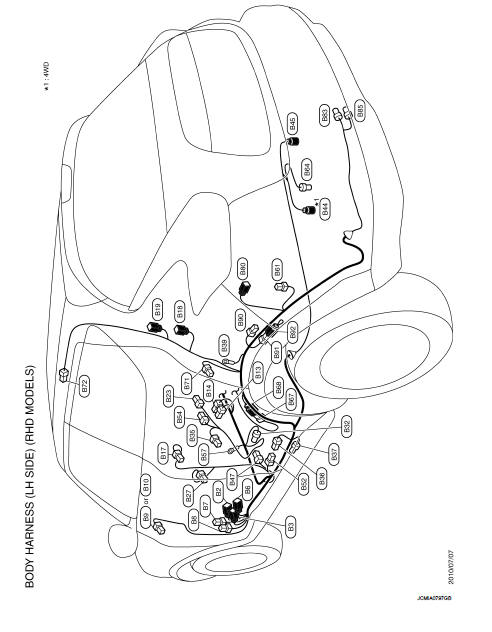
RHD : Body Harness
LH SIDE
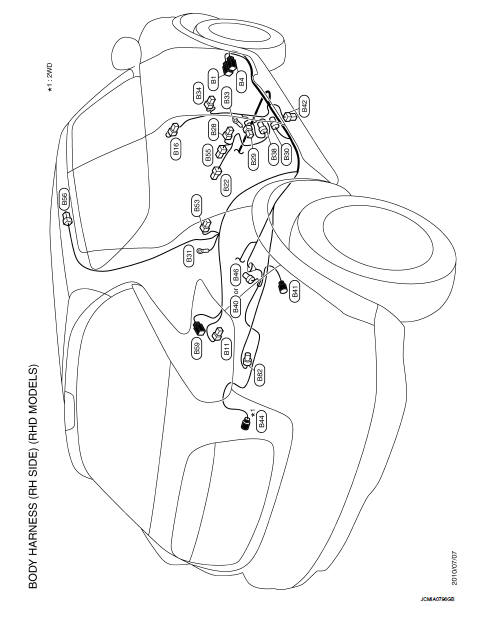
RH SIDE
RHD : Door Harness
FRONT DOOR HARNESS (LH SIDE)
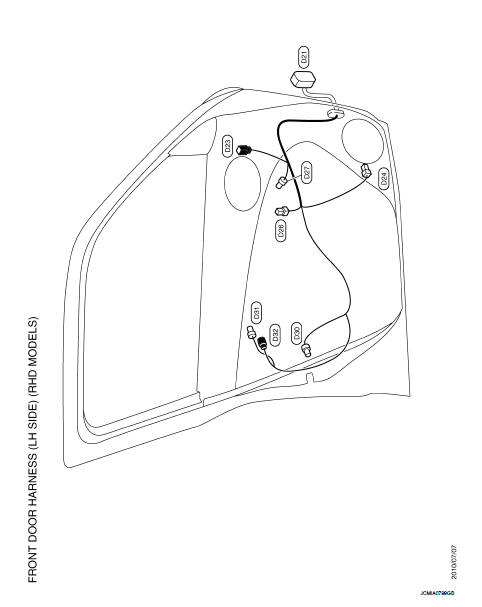
FRONT DOOR HARNESS (RH SIDE)
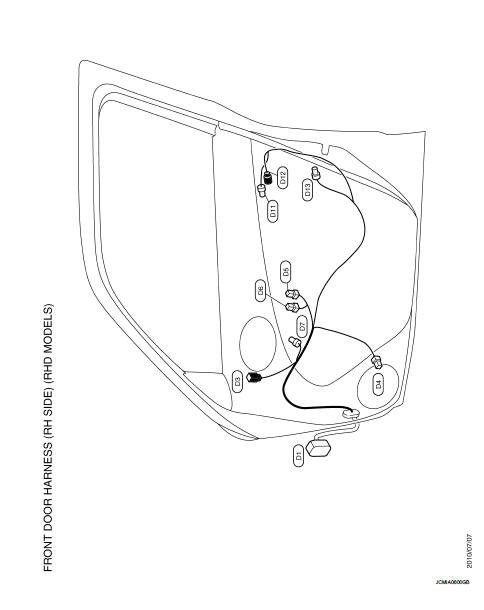
REAR DOOR HARNESS (LH SIDE)
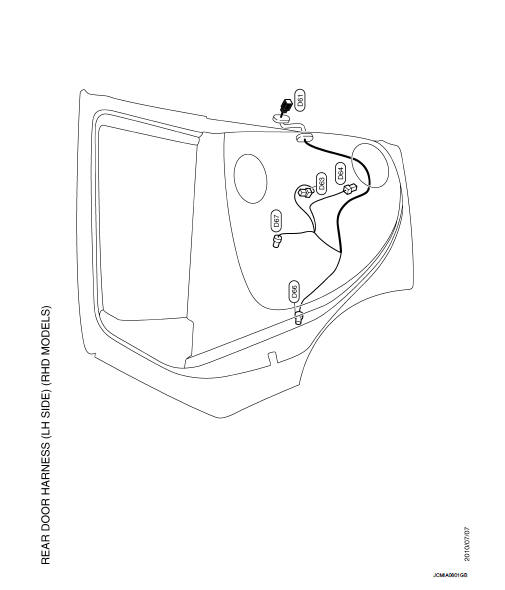
REAR DOOR HARNESS (RH SIDE)
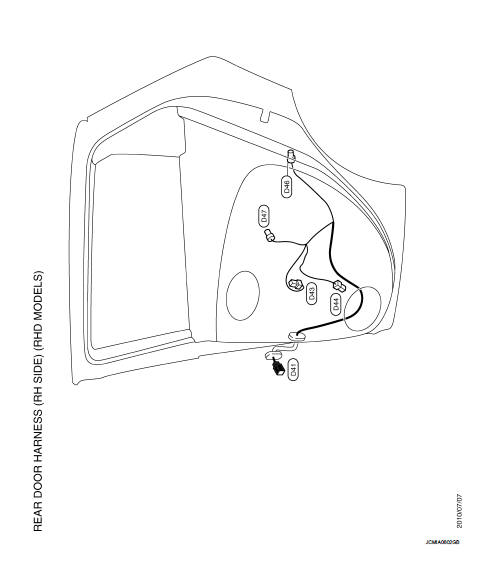
BACK DOOR HARNESS
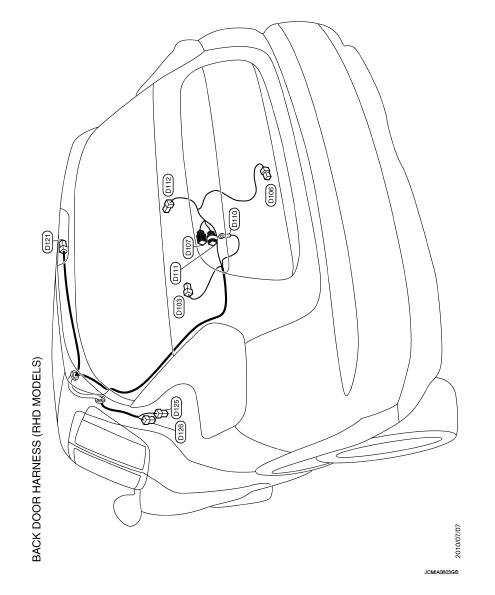
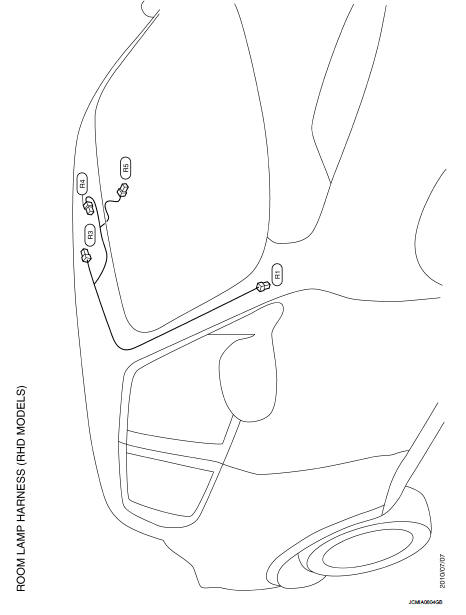
RHD : Room Lamp Harness
 IPDM E/R (intelligent power distribution module engine
room)
IPDM E/R (intelligent power distribution module engine
room)
Fuse, Connector and Terminal Arrangement
...
 Connector information
How to Read Connector Type
1 : Connector model
2 : Cavity
3 : Male (M) and female (F) terminals
4 : Connector color
5 : Special type
B Body Harness
D Door Harness
...
Other materials:
Windshield-washer fluid
Maintain clear visibility by checking and filling the windshield-washer fluid reservoir periodically. You should replenish the reservoir promptly when the "Low Washer Fluid" notification appears on the Nissan Leaf vehicle information display.
For more details on interpreti ...
Engine compartment
CAUTION
Never use a fuse of a higher or lower amperage rating than that specified
on the fuse box cover. This could damage the electrical system or cause a fire.
If any electrical equipment does not operate, check for an open fuse.
1. Be sure the ignition switch and the headlight switch are t ...
B26F1 ignition relay
DTC Logic
DTC DETECTION LOGIC
DTC CONFIRMATION PROCEDURE
1.PERFORM DTC CONFIRMATION PROCEDURE
1. Turn ignition switch ON under the following conditions, and wait for 2
seconds or more.
CVT models
- Selector lever is in the P or N position
- Do not depress brake pedal
M/T models
- Do n ...
